The Help Blog

Random topics and insights that might help you.

Keep Them Safe - Protect Aging Loved Ones from Phone-based Scams
Blog

Protecting a Loved One from Phone-Based Scams Using iPhone’s Assistive Access

Phone scams targeting older adults continue to grow more sophisticated. Unfortunately, they often rely on something we use every day: our smartphones. Recently, family friends shared a story that really stuck with me. An older gentleman had been convinced to withdraw his life’s savings with the intention of handing it over to scammers. Thankfully, his […]

Locked Out Forever? Protect Your Apple Account
Blog

Protect Your Apple Account Before It’s Too Late

I’ve watched people get that look on their face. The one where they already know the answer isn’t good. They’d forgotten their Apple Account password. They didn’t have a recovery method set up. And everything — photos, files, purchases — was just gone. Not stolen. Locked away forever. I never want you to feel that.

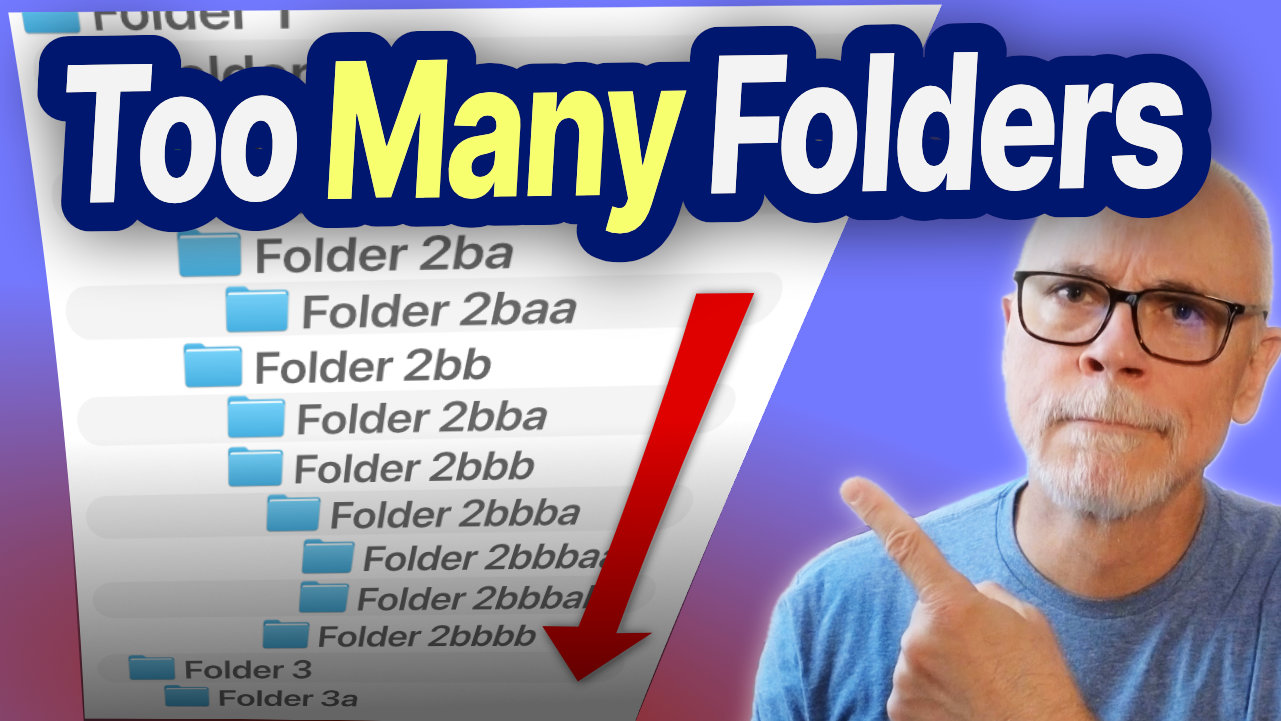
Too Many Folders
Blog

Most People Organize Their Mac Wrong

People often treat file organization as a choice between two extremes: Neither approach works particularly well. Over time, I’ve found that the goal isn’t perfect organization. It’s reducing friction when you need to find a file later. The best file systems combine folder structure and search. The key is knowing when each method works best.

iPad, iPhone, Mac

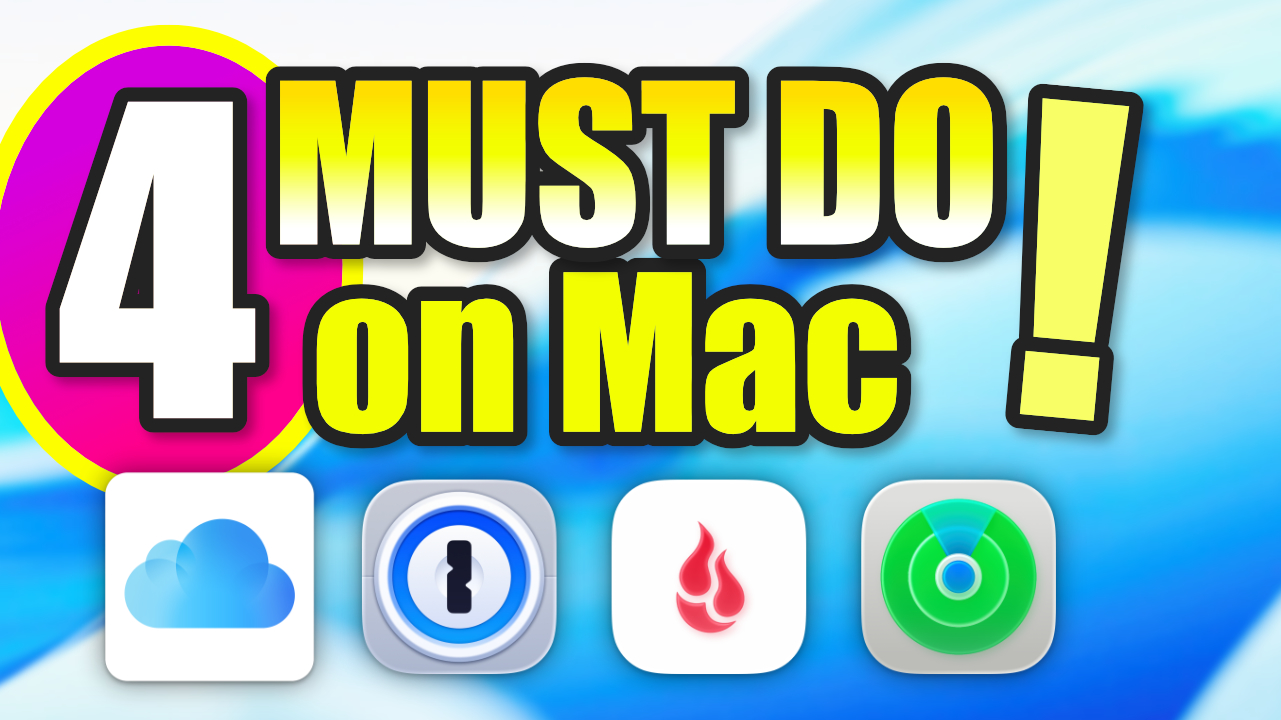
4 Things Every Mac User Absolutely Must Do

If you’re new to Mac (or if you’ve used one for years), there are a few essential steps that can save you from headaches later. These four simple habits will help protect your data, streamline your workflow, and keep your Mac running smoothly. Let’s look at the four things every Mac owner should do to

Stop! Before Upgrading Your iPhone...
iPhone

Do This Before Upgrading Your iPhone (Avoid These Common Headaches)

Upgrading your iPhone should be exciting — not stressful. But every year, plenty of customers hit the same frustrating problems: unmet carrier commitments, forgotten account passwords, and apps that don’t transfer correctly. A few quick checks before you start can make your upgrade smooth and worry-free. 🎥 Watch the full video below for a complete

Scroll to Top